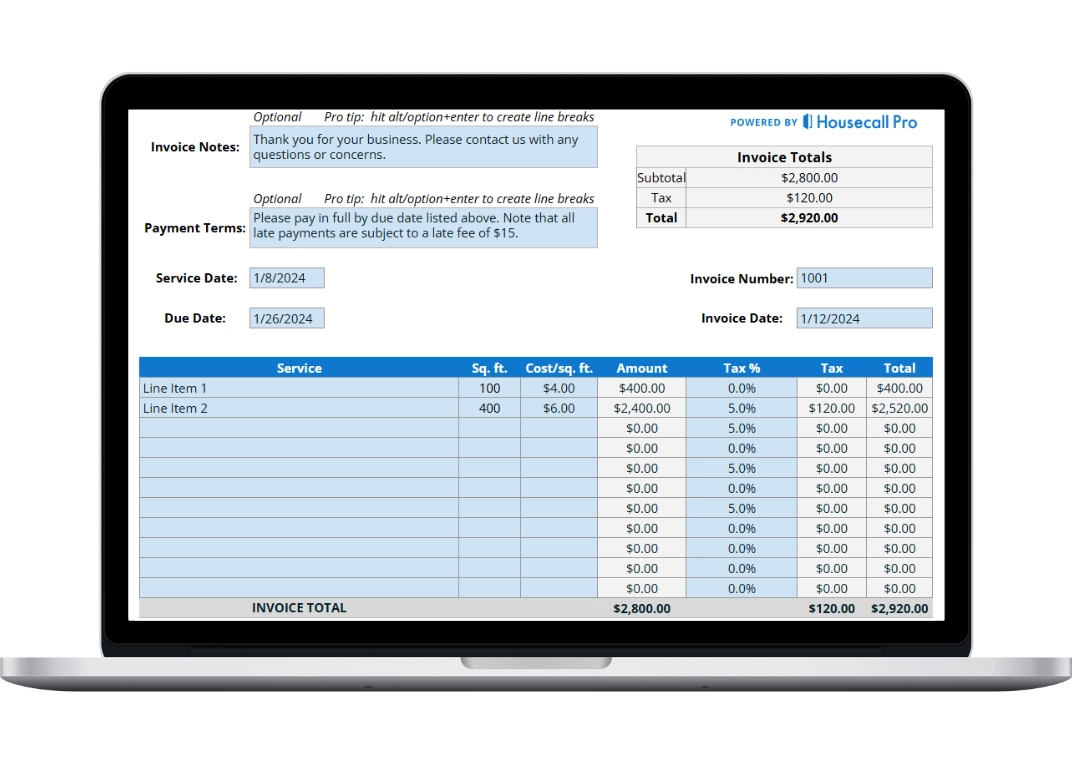
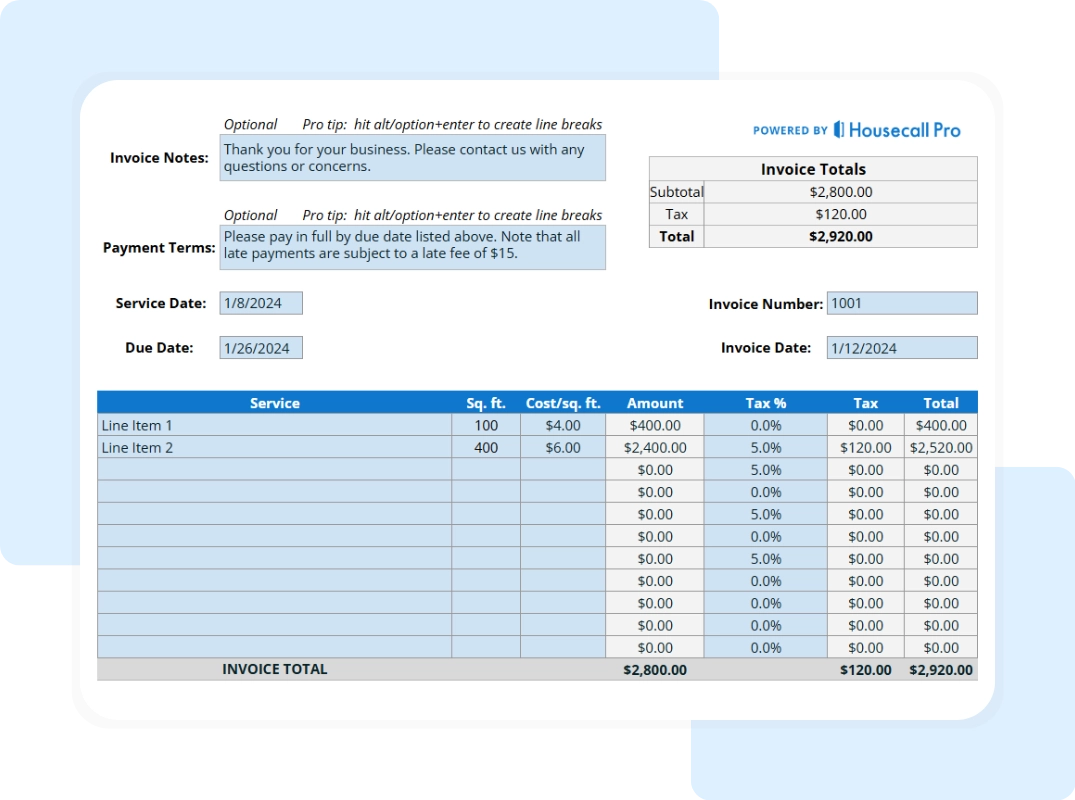
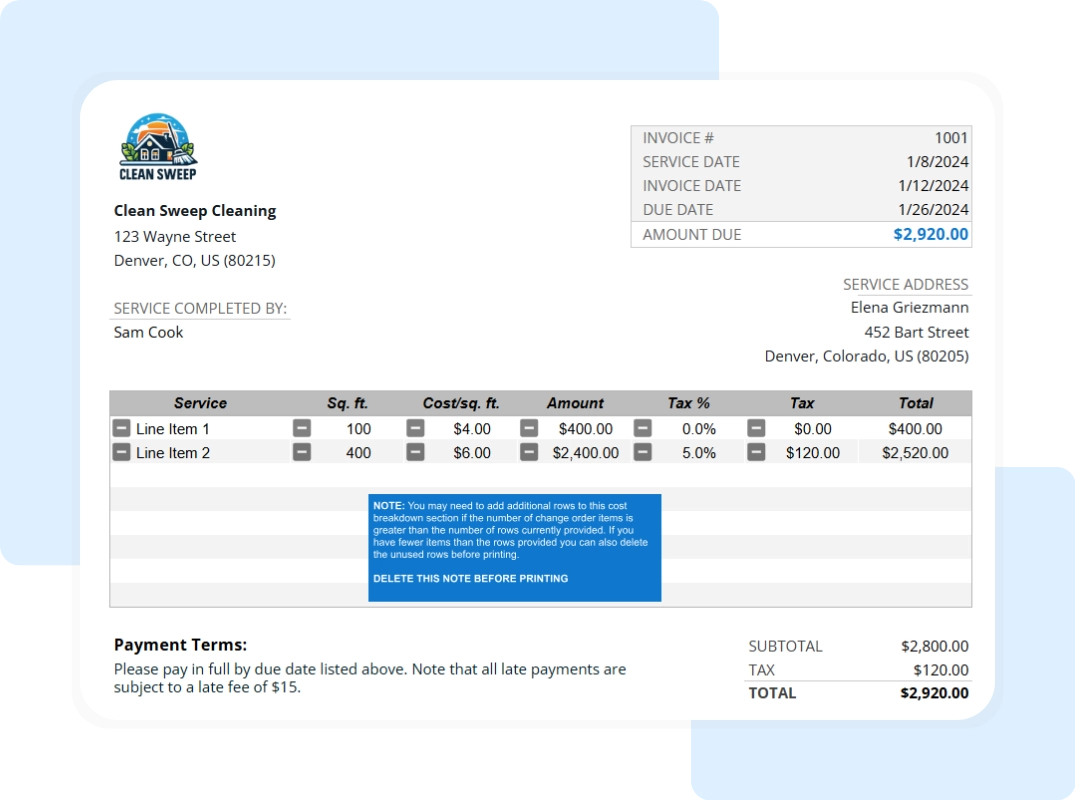
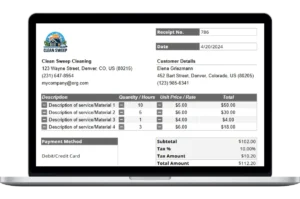
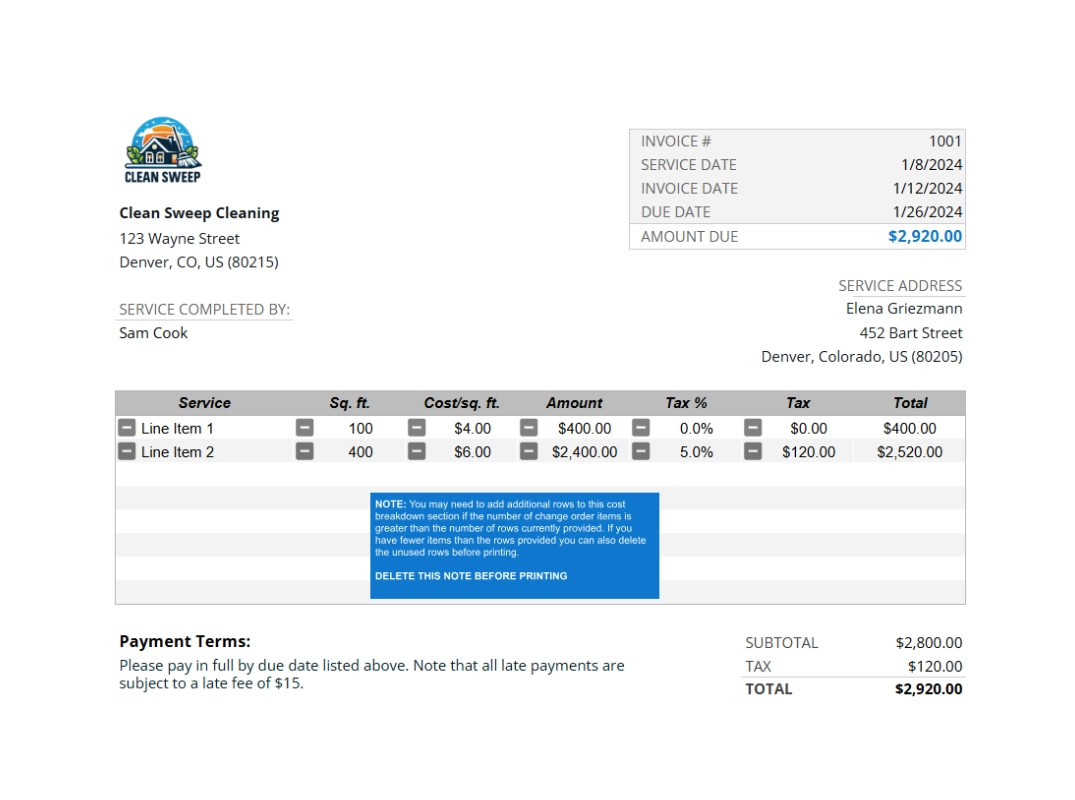
Clear Pricing and Totals For every service listed, include the rate (hourly or flat) and a total for that line. At the bottom, show a subtotal, add any tax, and bold the final total. Clear totals help prevent disputes and speed up payment.
Payment Terms and Methods Add a short note like “Payment due within 15 days.” Also list how clients can pay—credit card, ACH, checks, or online platforms.
Detailed Guide: How to Use Your Free Invoice Template
Our Google Sheet template is designed to be simple and professional. Follow this step-by-step guide to get started:
Make a Copy First
The template is view-only. Save your own editable version:
- Open the Google Sheet.
- Click File in the top-left.
- Select Make a copy and your editable version is now ready to use.
Your new, editable version will open, and you can now follow the steps below to customize it.
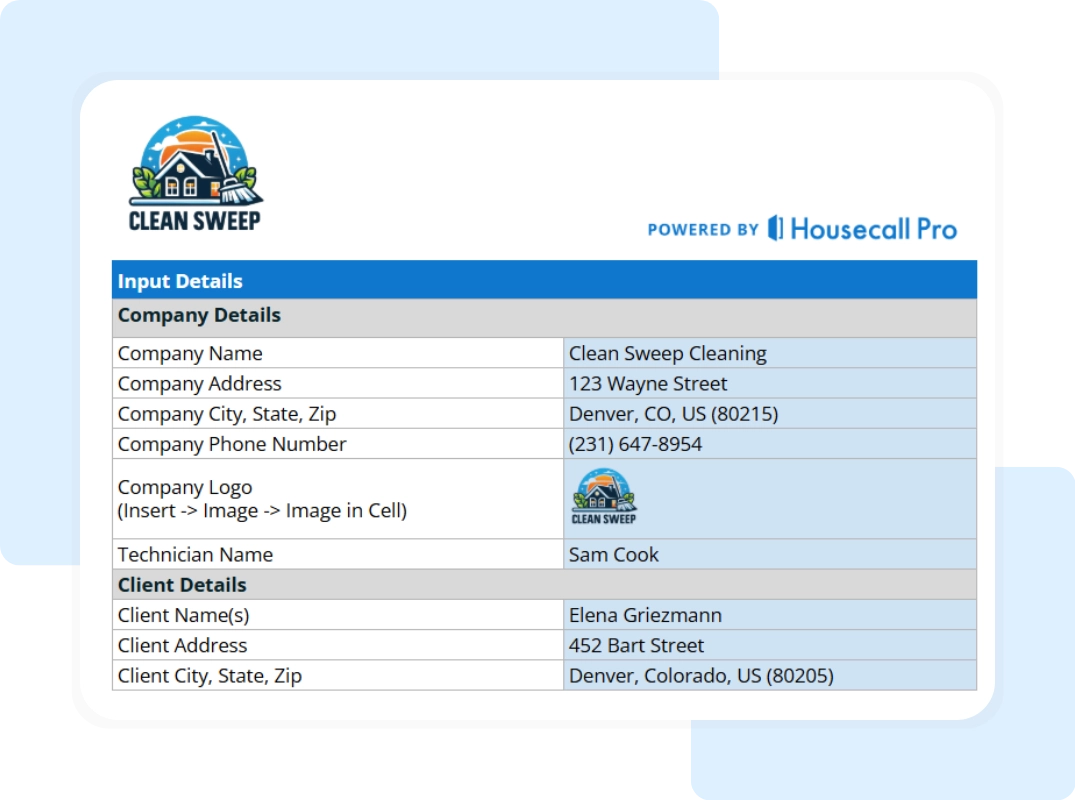
Step 1: Customize the Template with Your Brand Replace the company logo with yours. Fill in your business name, contact info, and address once—then save it as your master version.
Step 2: Fill in the Job and Client Details Give each invoice a unique number. Fill in your client’s name and address, and set the invoice and due dates. These top fields help you stay organized.
Step 3: Add Line Items for Your Services In the main section of the invoice, begin entering the details of the services you provided. Start with a clear service description, such as “Living Room Carpet Steam” or “Staircase Cleaning.” Then, input the quantity, which might be the number of rooms, areas, or hours spent on the job. Next, add your rate, either as a flat fee or an hourly charge. The total for each line item is automatically calculated by the template, so you don’t have to worry about the math—just fill in the necessary fields and the calculations will update on their own.
Step 4: Understanding the Automatic Calculations The beauty of the template lies in its built-in formulas, which do all the calculations for you. Each line item total is automatically derived by multiplying the quantity by the rate.